
menara4d - Indonesia Slots for New Member Access and Faster Entry
Blackjack, Dragon Hatch and live baccarat sit beside DANA, OVO, GoPay and QRIS, so you can open the lobby and move into…
Casino and slots in one place
The first screen groups casino and slots so you do not waste time hunting through menus.


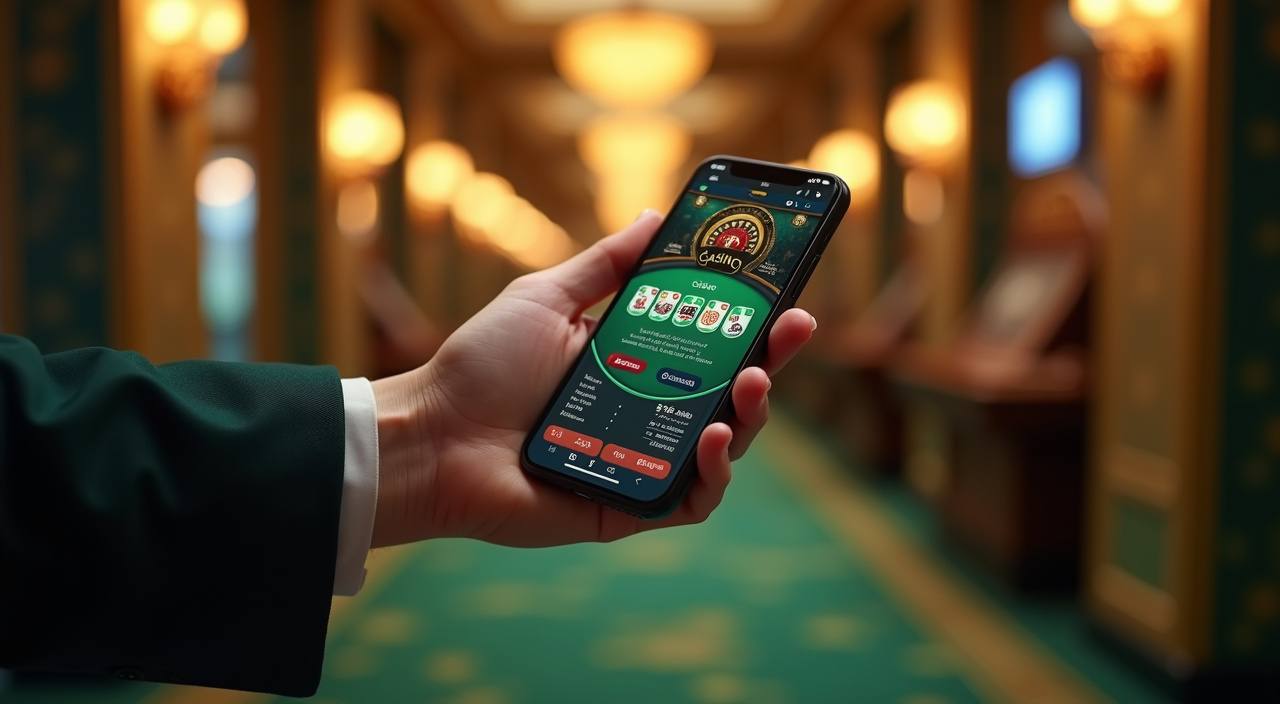








What the first screen shows

From the home page, we keep the main rooms visible before anything else: slots, live casino, and the table section. That helps you choose fast on a phone or a laptop, because the labels stay short and the path stays clear. If you prefer slot play, you can go straight to Dragon Hatch, Mahjong Ways, or Gates of Olympus. If
you want a table, Blackjack and baccarat are one tap away. We separate the rooms so you can return to the same spot later without starting from scratch.
What the home page keeps ready

How you enter from home
Starting from the home page is simple: open your account, confirm the phone number with OTP, then set a login PIN. After that, the wallet row appears and you can choose DANA, OVO, GoPay or QRIS before you enter the lobby. We ask for matching details early because it makes later checks cleaner when you request a withdrawal. On a
shared phone, log out after each visit and clear saved autofill if someone else uses the same device.
Casino rooms that people open first
Deposits and withdrawals from home
Deposits through DANA, OVO, GoPay and QRIS usually clear in under a minute when the reference and account details match. Before you confirm, check the amount and the destination code on the payment screen; that small step prevents most failed entries. Withdrawals move through a name match and a short queue, so the common delay is usually a mismatch between
the wallet name and the account you used to register. If the network slows down, keep the receipt until the balance update appears on your screen.
What we check before access
Every account starts with a password, OTP and a device check before the wallet opens.
Password + OTP
Your first step is a normal login with a password and one-time code, so the home page can check the account holder before the wallet opens.
Device memory
We remember the device you used most recently, which helps us flag a new phone or browser before funds move. That makes unusual access easier to spot.
Room rules
Table hands and slot rounds follow the provider side of the room, not a manual draw from our team. That keeps results tied to the game engine.
Local law
If a region does not allow access, the home page keeps those rooms closed and shows you the allowed path only. The same rule applies to later visits.

Home page on phone and desktop
If you open the home page in Denpasar, the layout fits a phone screen cleanly and the key rooms stay visible without zooming. The same page also works well on desktop, where the lobby card row is easier to scan while you wait for a live table seat or a slot loading screen. Chrome on Android and Safari on iPhone
handle the page the same way: open, log in, pick a room, then return to the wallet badge when you need it. You can also add the site shortcut to your home screen if you like a faster second visit.
Local rails on the home page
We keep the payment row visible because it answers the first question fast: how do you fund the account.
Slots beside live casino tables
The third game block keeps slots and live casino side by side so you can move between them without going back to the start.
How help reaches you here

Our support desk answers through live chat, WhatsApp and email every day from 08.00 to 22.00 WIB. Use chat for login trouble, payment checks and room access; use email when you need a written trail for a failed deposit or a changed phone number. We keep replies direct and short so you can return to the home page without waiting
through long back-and-forth messages. If the issue is tied to a local access rule, we will point you to the allowed path only.
Help when you need it
When something slows down, we keep the contact path simple. Live chat, WhatsApp and email each solve a different kind of home-page question, from a missing OTP to a payment receipt that has not updated yet. Our team uses the same account details you see on screen, so you do not have to repeat the story from zero each time. That makes the next step clearer whether you are on mobile or desktop.
Live chat
Good for quick checks on OTP, room access and payment status, especially if you are already on the home page. It keeps the back-and-forth short.
Good when you want a message thread on your phone and need help while switching between mobile data and Wi-Fi. You can send a screenshot if something stalls.
Use email for a longer record when you are updating account details or following up on a withdrawal check. It suits requests that need a paper trail.
When the home page is allowed
The home page only opens the rooms that are allowed in your region, and that depends on local law. If access is available where you are, keep your session simple: use one account, one device and the payment method that matches your name. You can set a personal budget before you enter the lobby and close the tab when you
reach it. That keeps the visit predictable, whether you come back later from a laptop or stay on mobile.
Questions about the home page
These are the home-page questions we hear most often from Indonesia visitors. Each answer stays close to the account flow, the room layout and the payment path, so you can check the basics before you open a session.